Set up autoroles with Nekotina
Published on May 21st, 20262 min read
Automatically assign roles when a member joins your server. Different from button-based selfroles.
Ads
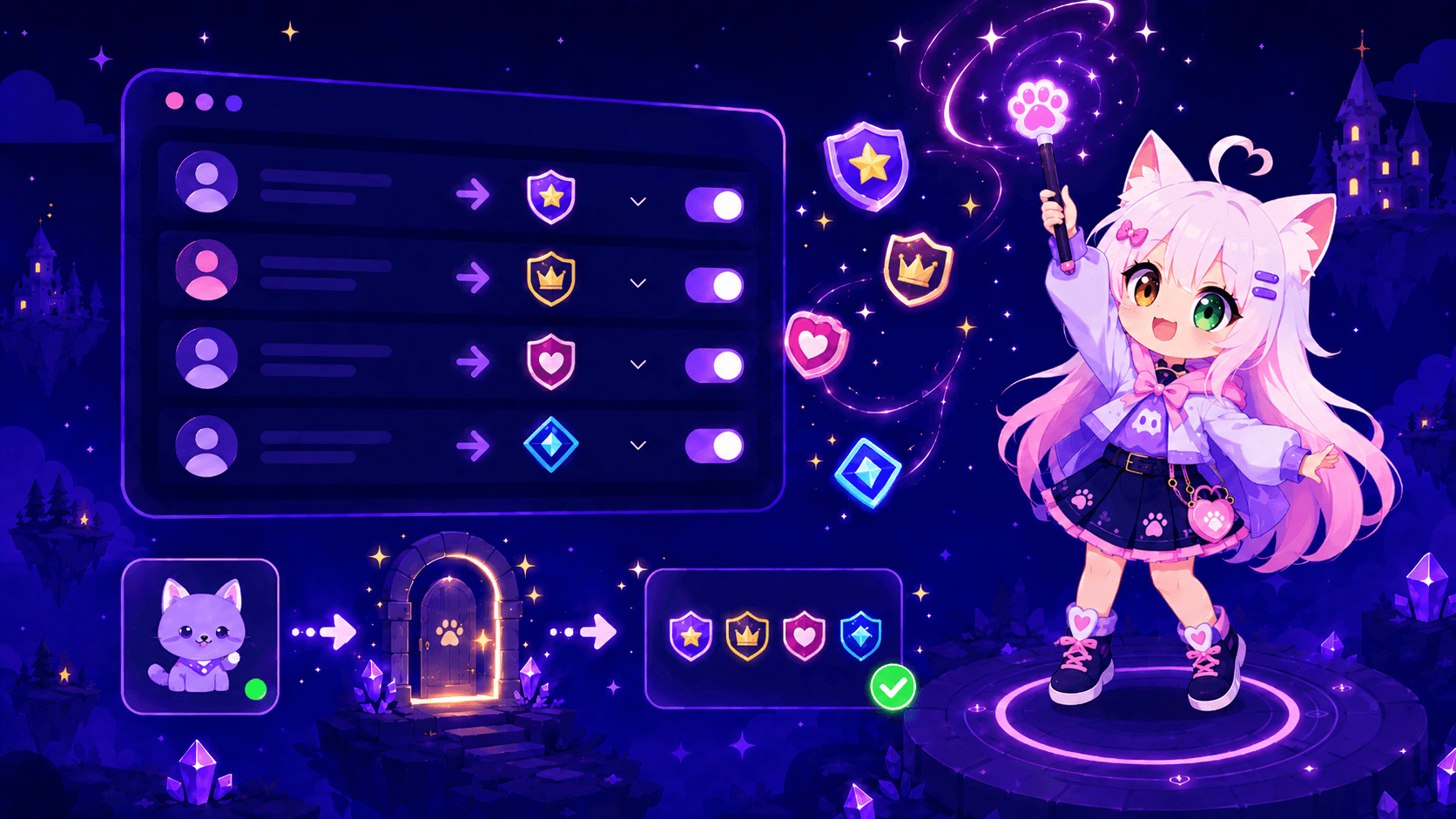
Autoroles assign roles automatically when someone joins the server. No buttons or messages needed — Nekotina applies them as soon as the member arrives.
Note: this is different from selfroles, where users click buttons on a panel to pick roles. It's also separate from the welcome message, though you can use both together.
Prerequisites
- Access to the dashboard.
- Roles already created in Discord (e.g.
@Member,@Notifications). - Nekotina's role above the roles you want to assign.
- Manage Roles permission for Nekotina.
Step 1 — Open Autoroles
- Select your server in the dashboard.
- Go to Utilities → Autoroles.
Step 2 — Select roles
- In the Roles section, choose up to 5 roles to assign automatically on join.
- Click Save changes.
All selected roles are granted to every new member (and aren't removed when they leave).
Typical use cases
| Role | Purpose |
|---|---|
@Member | Basic server access |
@Notifications | Base role before picking preferences on a selfrole panel |
@Region-EU | Automatic geographic segmentation |
Combine with selfroles
Many servers use this strategy:
- Autoroles → assign
@Memberon join. - Selfroles → panel with buttons for optional roles (Announcements, Gaming, etc.).
Everyone gets basic access and chooses extras voluntarily.
Limits
| Free | Premium | |
|---|---|---|
| Roles per server | 5 | 5 |
Common issues
Summary
1. Utilities → Autoroles
2. Select up to 5 roles
3. Save changes
New members will receive their roles automatically!